Native audio-video timing
Motion, speech, footsteps, and sound effects are treated as one creative problem instead of a stitched pipeline.
Annual plans 50% off for happy-horse.tv launch week.
Create high-quality videos and images from prompts, photos, and references — fast, simple, and creative.
happy horse is positioned around text-to-video, image-to-video, native audio-video generation, multi-shot consistency, and fast preview iteration. happy-horse.tv turns that model depth into simple creator actions, so happy horse feels less like software and more like a camera.
Motion, speech, footsteps, and sound effects are treated as one creative problem instead of a stitched pipeline.
Start from a plain scene sentence or a still reference, then let happy horse add camera movement and temporal detail.
Characters, style, clothing, and atmosphere stay easier to follow when happy horse carries a scene across cuts and camera changes.
Hands, faces, cloth, running, water, and contact moments are where happy horse temporal reasoning matters most.
Multilingual speech and lip timing help happy horse creator clips, character scenes, and ads feel less patched together.
Use happy horse fast drafts to lock the hook, then spend more credits only when the idea is worth a high-quality render.
Start from happy horse example prompts and media when you do not know what to make. Many ideas are shaped by TikTok-style trending templates.
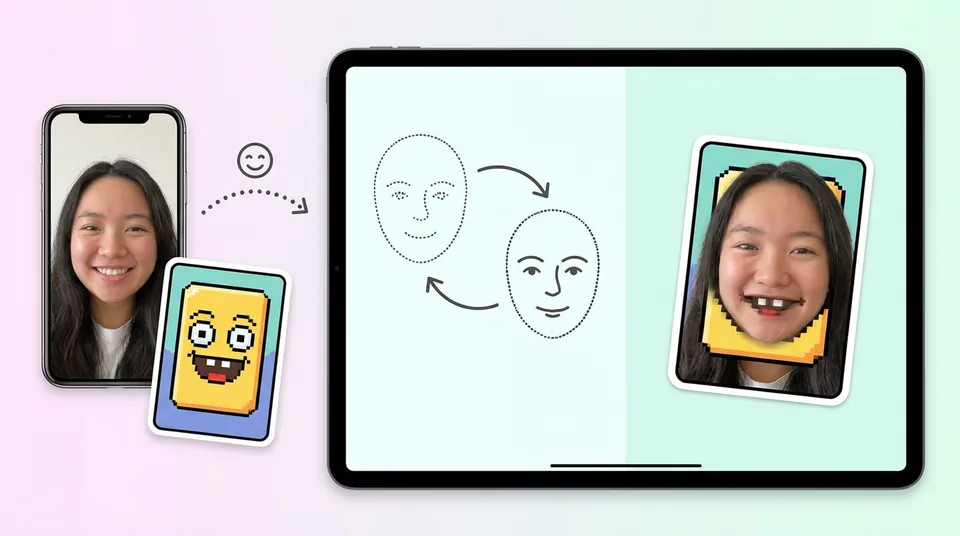
Swap faces in happy horse videos or images when the source is allowed and the request stays within the rules.
Combine the happy horse inspiration feed with face tools, references, and prompts without rebuilding the scene from scratch.
New accounts get happy horse credits to test the workflow before choosing a paid plan.
happy horse credits are shown before generation, so each test is easy to judge.
Pick a moving example, preview it, then use the clearest button for the result you want.
Creators use the site for quick experiments, remix ideas, and early concept checks.
“The happy horse example feed helps me start fast. I can pick a mood, change the prompt, and get a direction in minutes.”
“I use happy horse for quick concept tests before asking the team to spend time on a bigger edit.”
“The happy horse image and video paths feel close enough that I can move from still references to motion without relearning the tool.”
“happy horse face remix plus examples is the fastest way for me to turn a funny idea into something shareable.”
“The free credits made it easy to test prompts and decide which ideas were worth polishing.”
“I like that costs are clear before generation. It keeps experiments lightweight.”
These answers explain the practical choices behind happy horse, gallery flow, image creation, video creation, and face tools without making the user learn developer language.
happy horse is positioned around motion quality, reference awareness, native audio-video timing, and short-form usefulness. happy-horse.tv turns those happy horse strengths into simple actions: choose an example, add a reference, check the cost, and create.
happy horse examples are faster than explanations. A user can see motion quality, choose a direction, and start a remix before reading documentation. That is especially important for Face Swap and Face Remix, where the fun depends on speed.
Create a happy horse video when the final result needs movement, sound, camera behavior, or a story beat. Create an image when you need a clean portrait, product frame, poster, reference, or thumbnail before animation.
Face Swap removes the hardest first step. The user does not need to invent a whole scene. They choose a proven happy horse example, upload a face, and create a personal version.
No. Realistic human sources are best for happy horse Face Swap. Stylized people, animals, toys, and cartoon characters can enter through Face Remix when the goal is playful adaptation rather than strict identity replacement.
Yes. New accounts receive free credits so they can try the happy horse creation flow before upgrading.
Yes. Open a happy horse example, inspect the idea, then use it as a starting point for your own prompt or reference-based result.
Yes. The happy horse workspace shows credit cost before generation so users can decide whether to run a quick test or a polished attempt.
Yes. The site supports image creation, video creation, and workflows that move from references into motion.
Usage depends on the plan, source material, and applicable model/provider rules. Avoid using content you do not have rights to use.
happy horse shortens the path from desire to output. Gallery cards show what is possible, buttons reveal the best action, credits are visible before generation, and image and video creation use the same mental model.
Use happy horse to turn prompts, images, and references into short motion tests or polished clips.
Use happy horse to create portraits, product frames, posters, references, and thumbnails before animation.